Containerization_and_DevOpsLab
Lab Report: Comparison of Virtual Machines (VMs) and Containers
1. Objective
The primary goals of this experiment are:
- To understand the conceptual and practical differences between Virtual Machines (VMs) and Containers.
- To install and configure an Ubuntu-based Nginx web server using both VirtualBox/Vagrant and Docker inside WSL.
- To compare resource utilization, performance, and operational characteristics of both environments.
2. Hardware and Software Requirements
Hardware
- 64-bit system with virtualization support enabled in BIOS.
- Minimum 8 GB RAM (4 GB acceptable).
- Internet connection.
Software
- Oracle VirtualBox and Vagrant.
- Windows Subsystem for Linux (WSL 2) with Ubuntu distribution.
- Docker Engine (docker.io).
3. Theory
| Feature | Virtual Machine (VM) | Container | | :— | :— | :— | | Virtualization Level | Emulates complete hardware and kernel. | Virtualizes at the OS level, sharing the host kernel. | | Isolation | Strong (Full OS isolation). | Moderate (Process-level isolation). | | Resource Usage | Higher (Requires dedicated RAM/CPU for guest OS). | Lightweight and efficient. | | Startup Time | Slower (Minutes/Seconds). | Fast (Milliseconds/Seconds). |
4. Experiment Setup - Part A: Virtual Machine
Step 1: Initialization and Deployment
Using Vagrant, an Ubuntu VM was initialized and started.
- Command:
vagrant init ubuntu/jammy64followed byvagrant up.
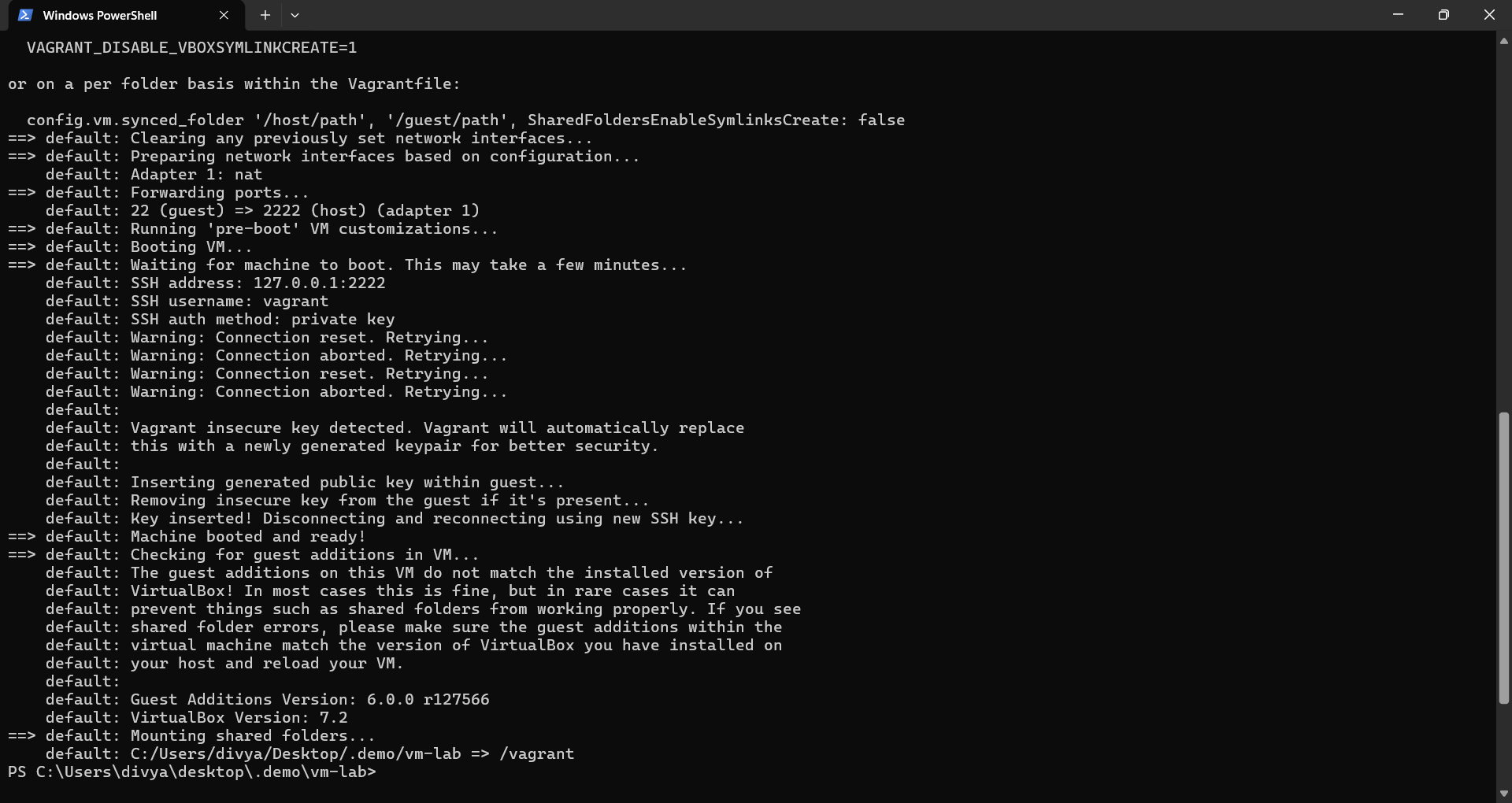
Observation: The system downloads the base box (Ubuntu Jammy) and configures the VirtualBox provider. Port forwarding (2222 -> 22) is established.
Step 2: Accessing the VM (SSH)
Once the VM was up, we established a connection to the guest OS.
- Command:
vagrant ssh
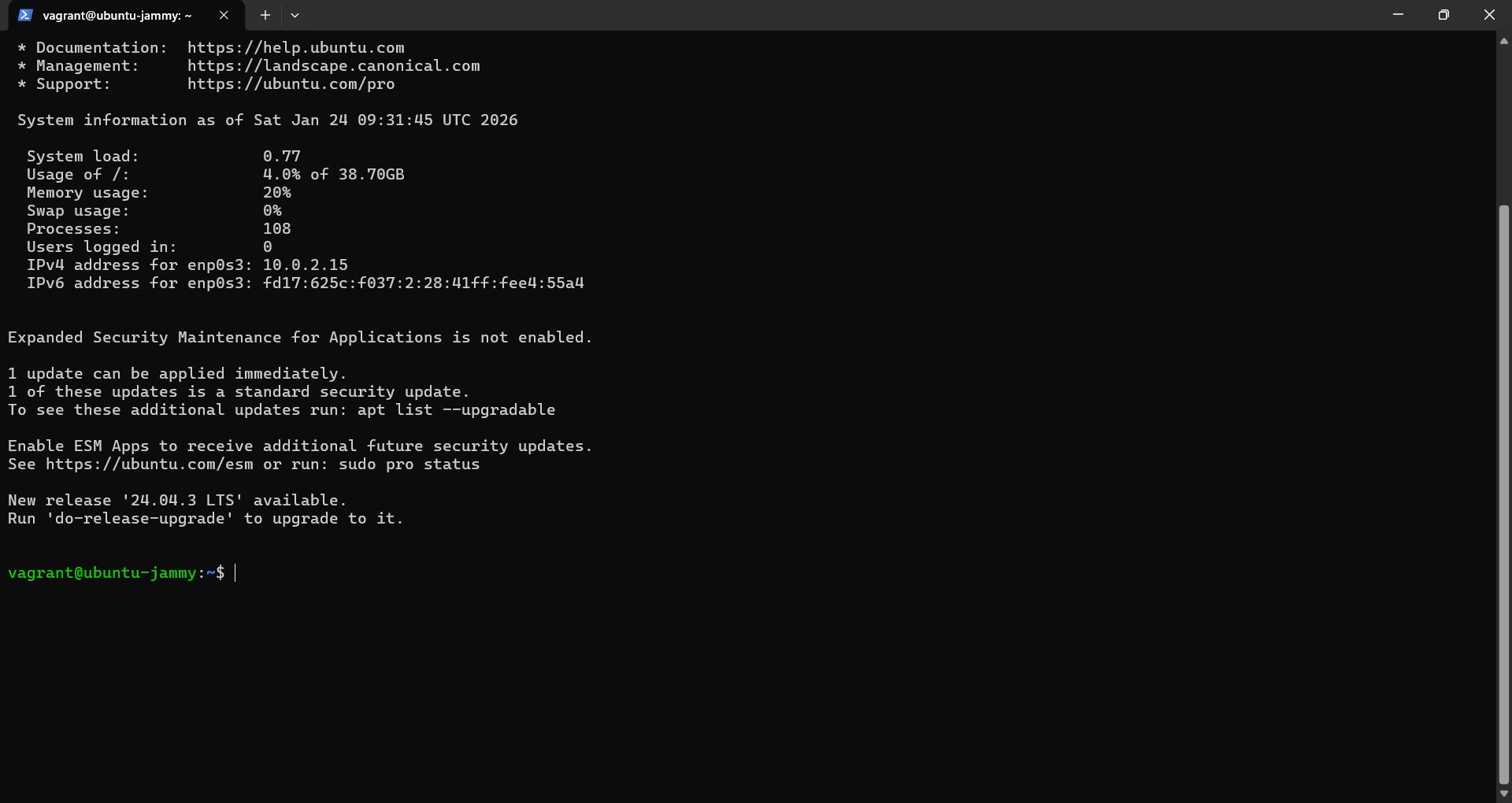
Observation: Successful login to the Ubuntu 22.04.5 LTS environment.
Step 3: Installing Nginx
Inside the VM terminal, the package lists were updated, and the Nginx web server was installed.
- Commands:
sudo apt update,sudo apt install -y nginx
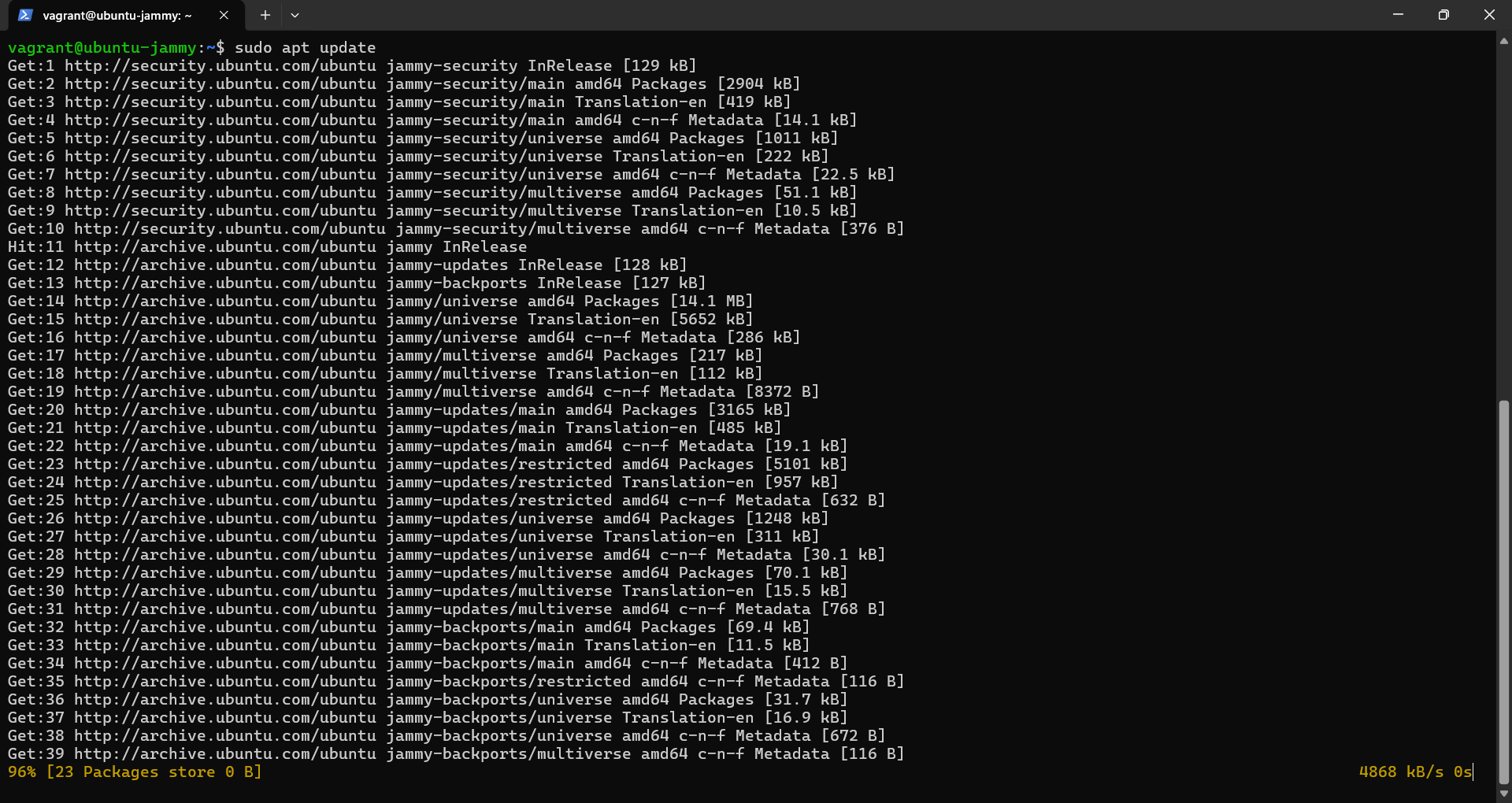
Observation: The
aptpackage manager retrieves necessary archives. This process is slower than Docker as it installs dependencies for a full OS environment.
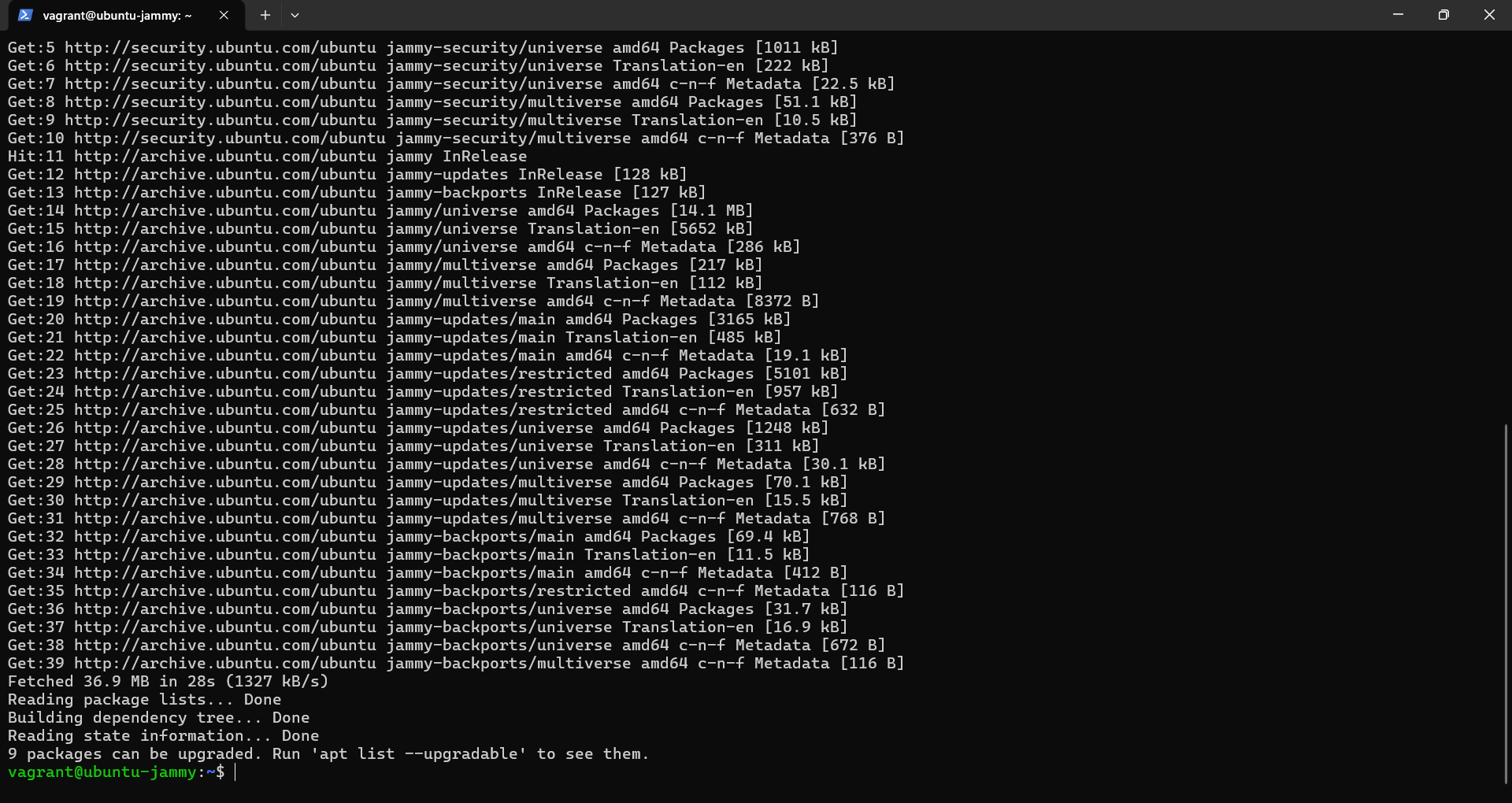
Observation: Installation is complete. Triggers for
man-dbandufware processed.
Step 4: Verification Inside VM
We verified the server was running locally within the guest OS.
- Command:
curl localhost
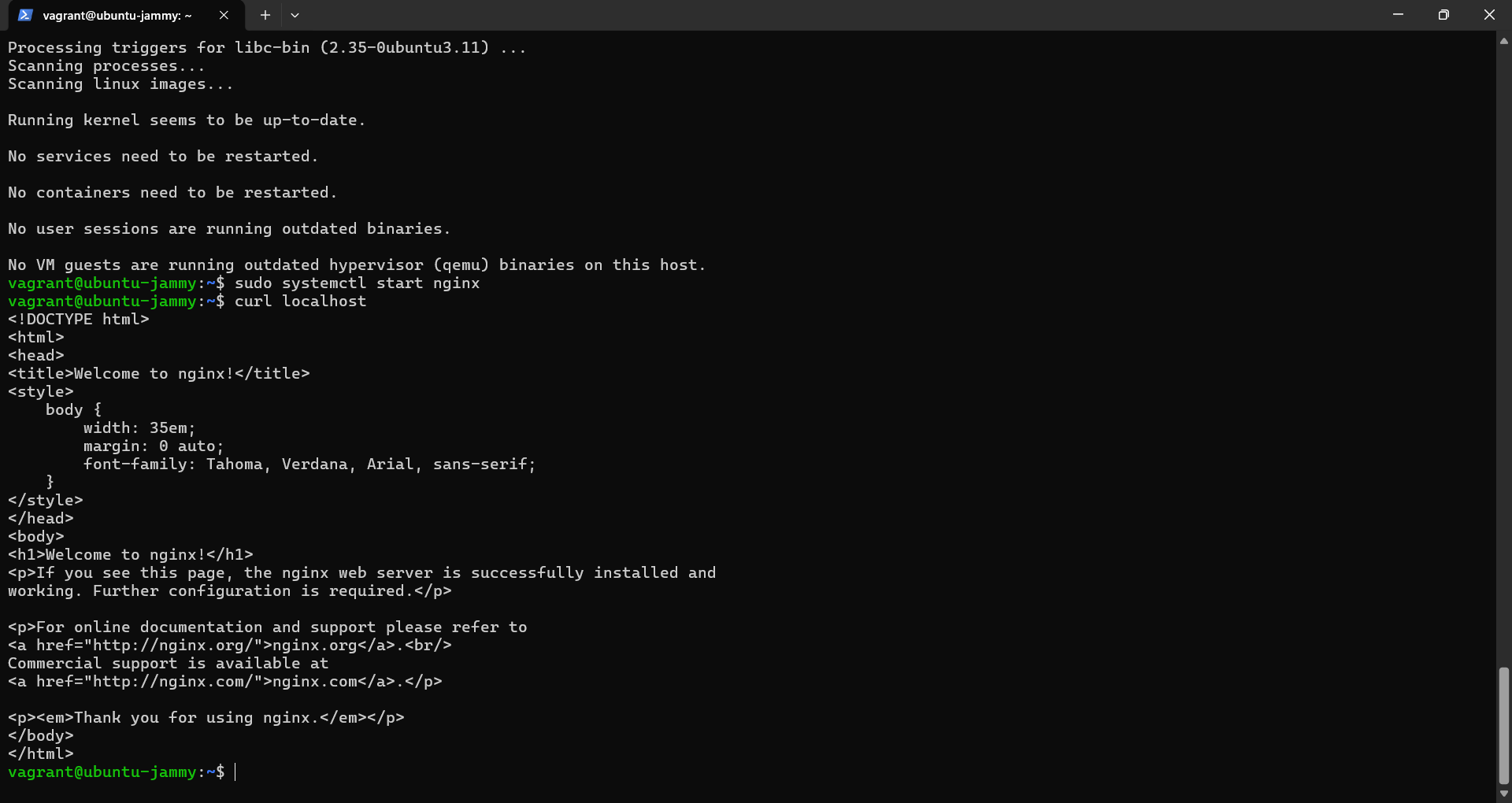
Observation: The
curlcommand inside the VM returns the full HTML source of the “Welcome to nginx!” page.
5. Experiment Setup - Part B: Containers (Docker)
Step 1: Running the Container
The Docker engine was used to pull the Ubuntu image and deploy a containerized Nginx instance.
- Command:
docker run -dp 8080:80 --name nginx-container nginx
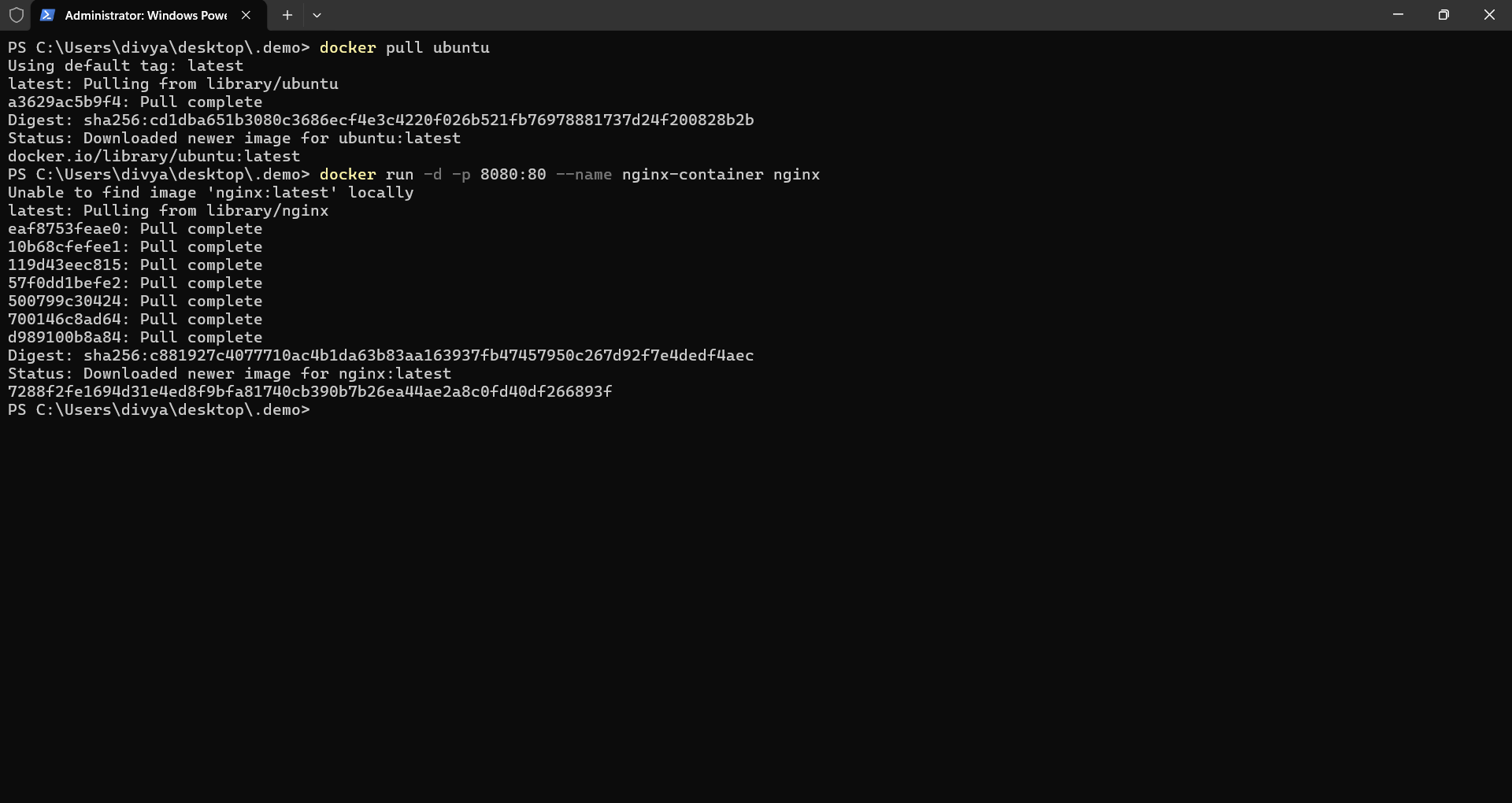
Observation: Docker pulls the image layers and starts the container nearly instantaneously.
Step 2: Verification
The Nginx server was verified by accessing the mapped port on the localhost.
- Command:
curl localhost:8080
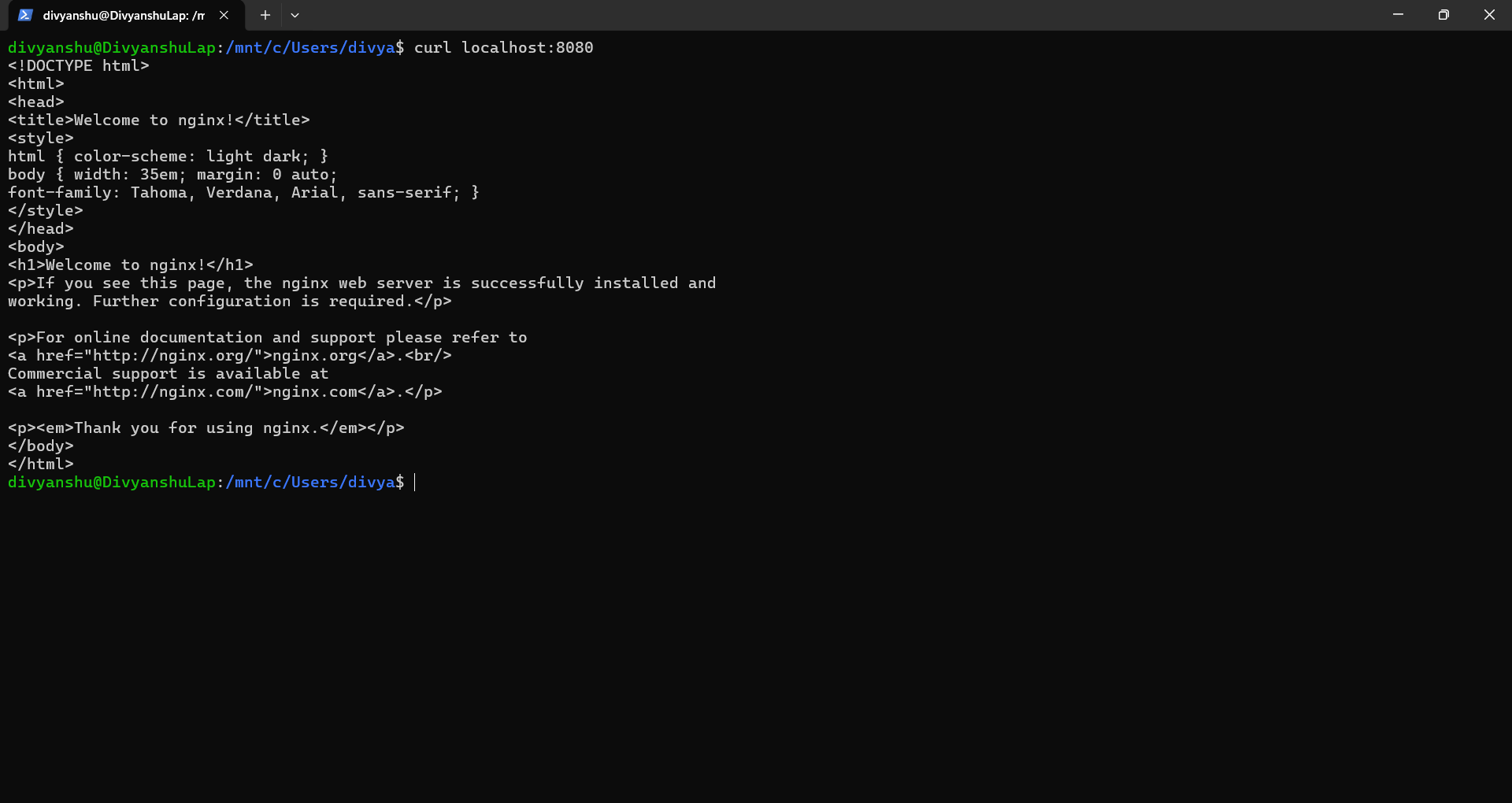
Observation: The
curlcommand confirms the Nginx “Welcome” page is active on port 8080.
6. Resource Utilization & Comparison
This section uses specific metrics captured during the experiment to contrast the two technologies.
A. Boot Time Analysis
- Metric: Time taken to reach a usable state.
- VM Command:
systemd-analyze

Observation (VM): The VM took 36.819 seconds to finish startup (6.9s kernel + 29.8s userspace). Observation (Container): The container started in less than 1 second (refer to Docker output in Sec 5).
B. Process Overhead & Isolation
- Metric: Number of background processes required to run the application.
- VM Command:
htop
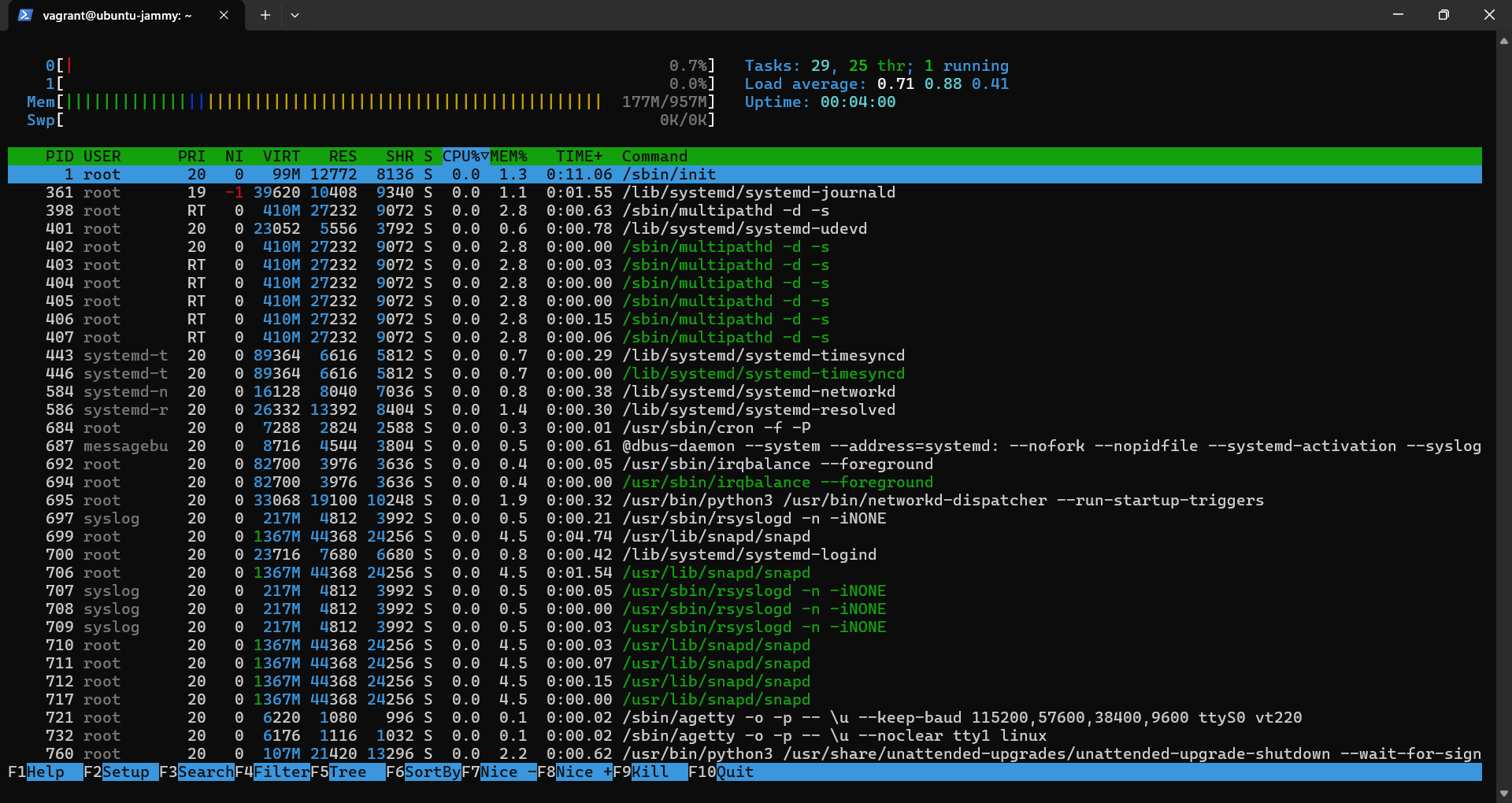
Observation (VM):
htopreveals a heavy process tree. Even though we only want Nginx, the VM is runningsystemd,snapd,rsyslogd,polkitd, andsshd. There are dozens of tasks running to support the OS.

Observation (Container):
docker statsshows the container uses minimal resources because it only runs the application process (Nginx) and its direct dependencies.
C. Memory Usage
- Metric: RAM consumption.
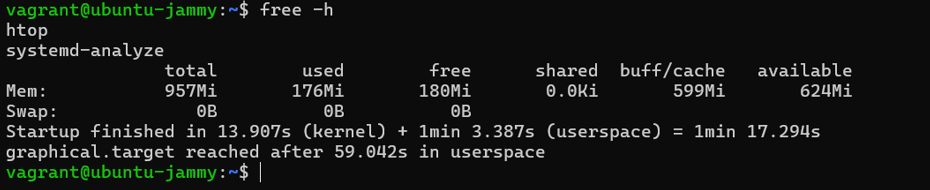
Observation (VM): The
free -hcommand inside the VM shows it has allocated 957Mi total, with 196Mi used immediately by the OS kernel and services.
Observation (Container): Referring to the Docker Stats image above, the container consumes only 13.22MiB of RAM.
Comparison Summary Table
| Parameter | Virtual Machine (VM) | Container (Docker) |
|---|---|---|
| Boot Time | ~36.8 seconds (Measured) | < 1 second |
| RAM Usage | ~196 MiB (Base OS overhead) | ~13.22 MiB (App only) |
| Background Processes | High (init, systemd, ssh, logs) | Low (only Nginx entrypoint) |
| Disk Usage | Larger (Full OS libraries) | Smaller (Layered Image) |
7. Conclusion
The experiment validates that Containers are significantly more lightweight.
- Speed: The Docker container started instantly, whereas the VM required nearly 37 seconds to boot.
- Efficiency: The VM required ~200MB of RAM just to exist, while the containerized application ran comfortably on ~13MB.
- Complexity: The
htopanalysis clearly shows that VMs run a full operating system stack, creating unnecessary overhead for single-application deployments.
Therefore, Containers are ideal for microservices and rapid scaling, while VMs are better suited for scenarios requiring full hardware simulation or complete OS isolation.