Containerization_and_DevOpsLab
Lab Report: Experiment 2
Docker Installation, Configuration, and Running Images
Date: 2/2/2026 Author: Divyanshu Gaur
1. Objective
The objective of this lab is to:
- Pull Docker images
- Run containers
- Manage container lifecycle
2. Procedure and Results
Step 1: Pull Image
The first step involves fetching the Nginx image from Docker Hub
- Command:
docker pull nginxExecution Screenshot: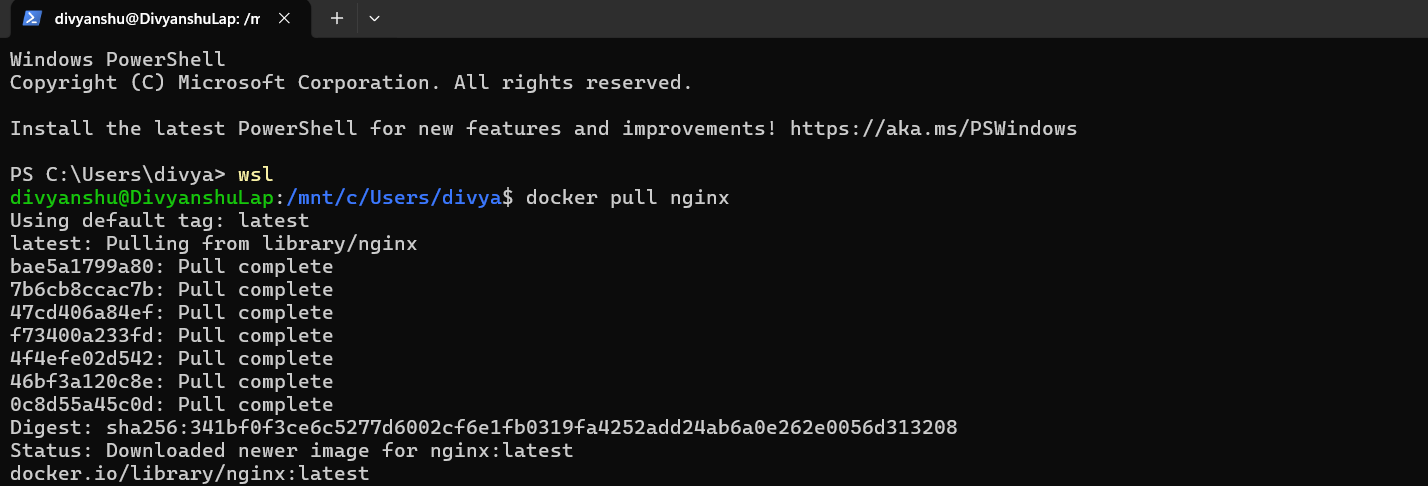
Step 2: Run Container with Port Mapping
The container is started in detached mode with host port 8080 mapped to container port 80.
- Command:
docker run -dp 8080:80 nginx
Execution Screenshot:

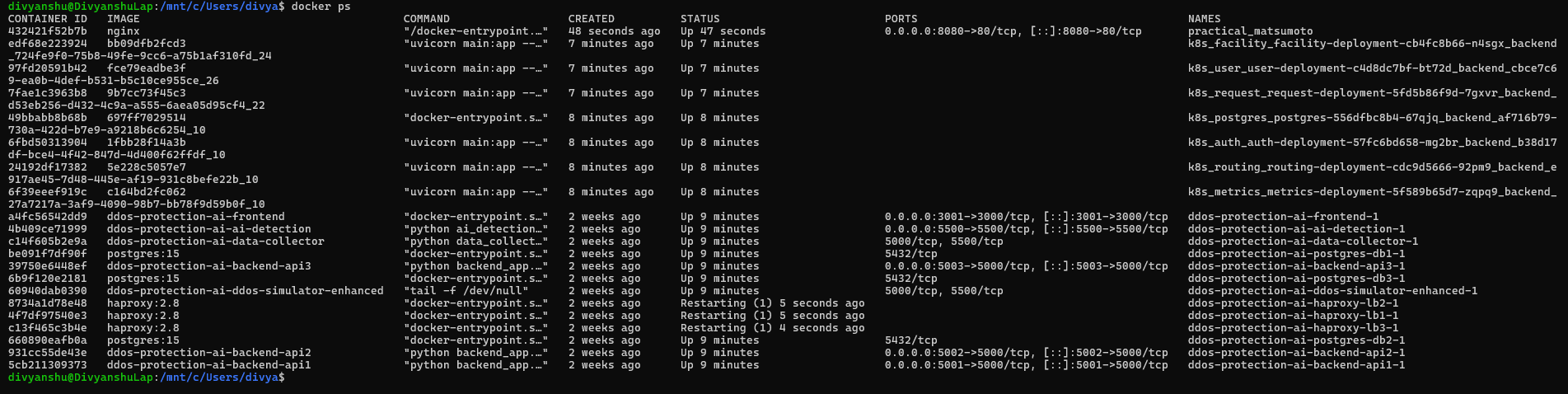
Step 3: Verify Running Containers
To confirm the container is active and check the assigned status and ports, the ps command is used[cite: 15].
- Command:
docker ps
Execution Screenshot:
Step 4: Stop and Remove Container
To manage the lifecycle, the container is stopped first and then removed using its ID.
- Stop Command:
docker stop 432421f52b7b - Remove Command:
docker rm 432421f52b7b
Stop Screenshot:

Remove Screenshot:

Step 5: Remove Image
The final step in the lifecycle management is removing the image from the local repository.
- Command:
docker rmi nginx
Execution Screenshot:

3. Result and Conclusion
Result
Docker images were successfully pulled, containers executed, and lifecycle commands performed.
Overall Conclusion
This lab demonstrated containerization using Docker, highlighting clear performance and resource efficiency. Containers are better suited for rapid deployment and microservices, whereas VMs provide stronger isolation.