Containerization_and_DevOpsLab
Experiment 7: CI/CD using Jenkins, GitHub and Docker Hub
Aim
To design and implement a complete CI/CD pipeline using Jenkins, integrating source code from GitHub, and building & pushing Docker images to Docker Hub.
Objectives
- Understand CI/CD workflow using Jenkins (GUI-based tool)
- Create a structured GitHub repository with application code and a Jenkinsfile
- Build Docker images from source code
- Securely store Docker Hub credentials in Jenkins
- Automate build & push process using webhook triggers
- Use the same host (Docker) as Jenkins agent
Theory
What is Jenkins? Jenkins is a web-based GUI automation server used to build applications, test code, and deploy software. It provides a browser-based dashboard, a rich plugin ecosystem (GitHub, Docker, etc.), and supports Pipeline as Code via a Jenkinsfile.
What is CI/CD?
- Continuous Integration (CI): Code is automatically built and tested after each commit
- Continuous Deployment (CD): Built artifacts (Docker images) are automatically delivered/deployed
Workflow Overview:
Developer → GitHub → Webhook → Jenkins → Build → Docker Hub
Prerequisites
- Docker & Docker Compose installed
- GitHub account
- Docker Hub account
- Basic Linux command knowledge
Part A: GitHub Repository Setup
Lab 1: Project Structure
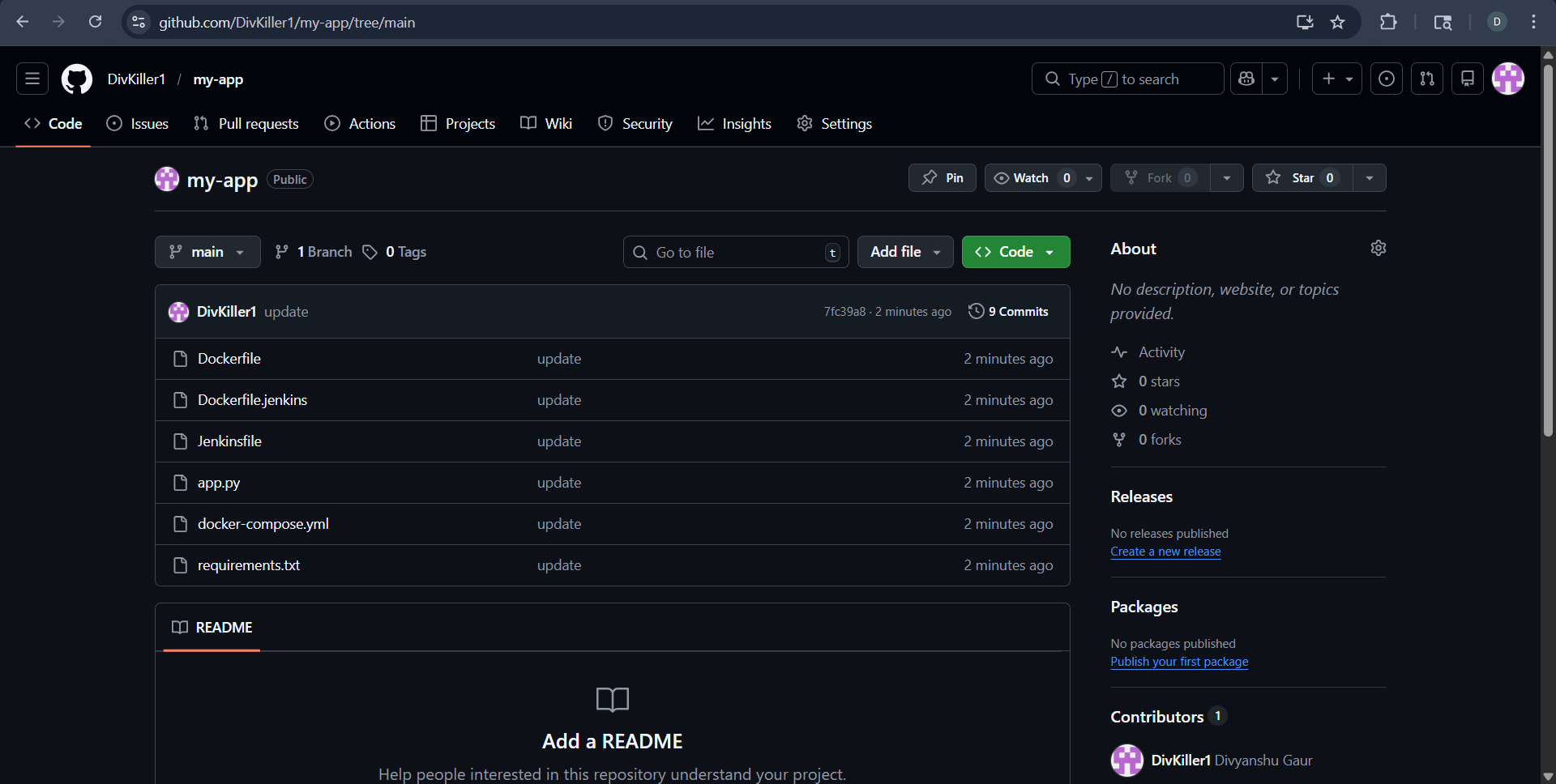
Repository created on GitHub: my-app
my-app/
├── app.py
├── requirements.txt
├── Dockerfile
├── Jenkinsfile
├── docker-compose.yml
📸 Screenshot – GitHub repository structure:
Lab 2: Application Code
app.py:
from flask import Flask
app = Flask(__name__)

@app.route("/")
def home():
    return "Hello from CI/CD Pipeline!"

app.run(host="0.0.0.0", port=80)
requirements.txt:
flask
Lab 3: Dockerfile
FROM python:3.10-slim

WORKDIR /app
COPY . .

RUN pip install -r requirements.txt

EXPOSE 80

CMD ["python", "app.py"]
Lab 4: Jenkinsfile
pipeline {
    agent any

    environment {
        IMAGE_NAME = "divyanshu2104/myapp"
    }

    stages {

        stage('Clone Source') {
            steps {
                git 'https://github.com/DivKiller1/my-app.git'
            }
        }

        stage('Build Docker Image') {
            steps {
                sh 'docker build -t $IMAGE_NAME:latest .'
            }
        }

        stage('Login to Docker Hub') {
            steps {
                withCredentials([string(credentialsId: 'dockerhub-token', variable: 'DOCKER_TOKEN')]) {
                    sh 'echo $DOCKER_TOKEN | docker login -u divyanshu2104 --password-stdin'
                }
            }
        }

        stage('Push to Docker Hub') {
            steps {
                sh 'docker push $IMAGE_NAME:latest'
            }
        }
    }
}
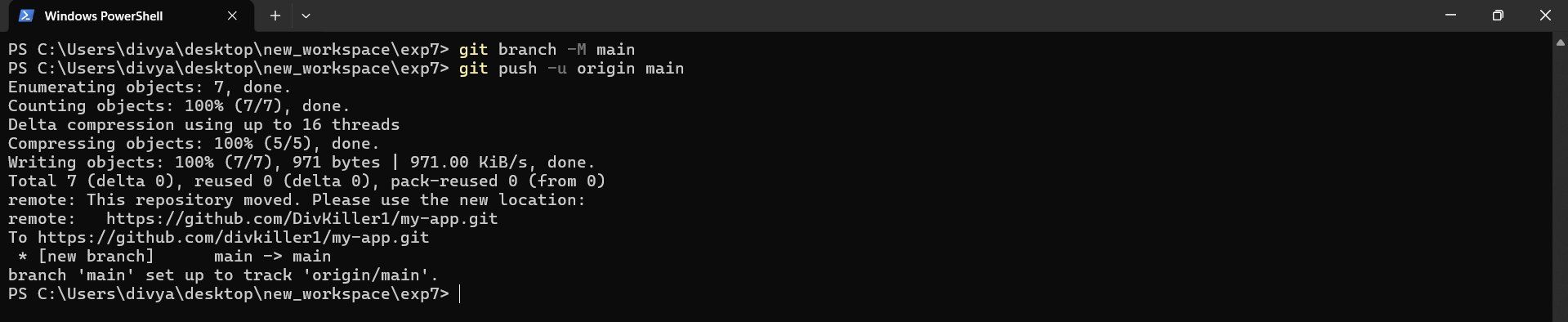
Lab 5: Push Code to GitHub
git branch -M main
git push -u origin main
📸 Screenshot – code pushed to GitHub:
Part B: Jenkins Setup using Docker
Lab 1: Docker Compose for Jenkins
docker-compose.yml:
services:
  jenkins:
    image: jenkins/jenkins:lts
    container_name: jenkins
    restart: always
    ports:
      - "8080:8080"
      - "50000:50000"
    volumes:
      - jenkins_home:/var/jenkins_home
      - /var/run/docker.sock:/var/run/docker.sock
    user: root

volumes:
  jenkins_home:
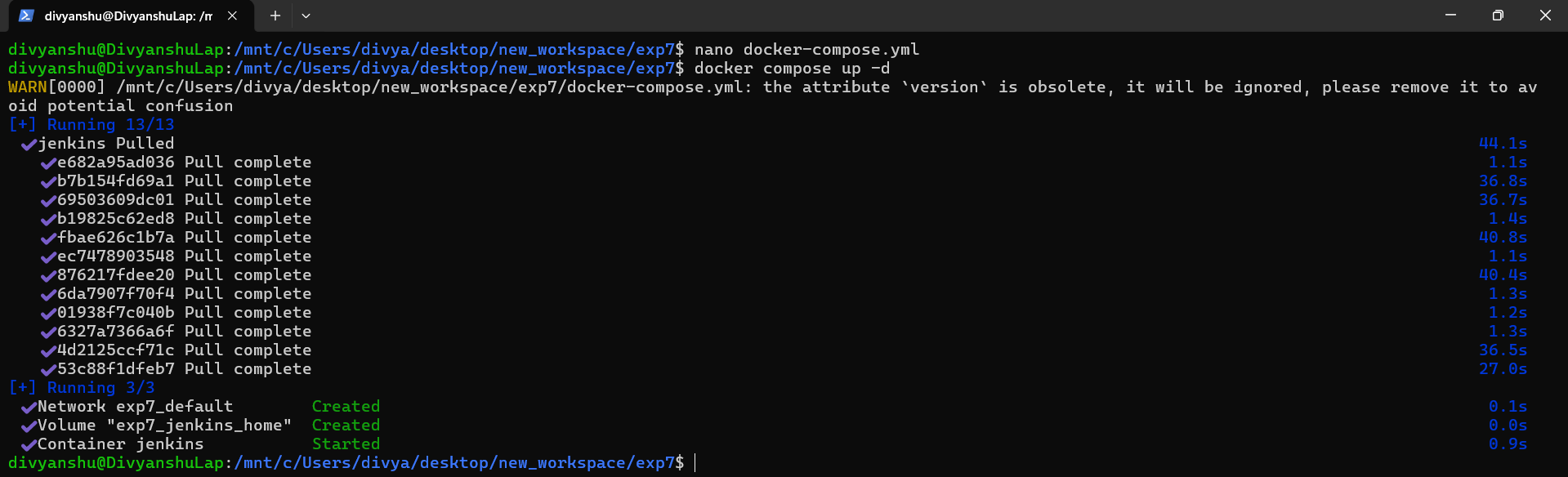
docker compose up -d
📸 Screenshot – Jenkins container started via docker compose:
Lab 2: Unlock Jenkins
docker exec -it jenkins cat /var/jenkins_home/secrets/initialAdminPassword
📸 Screenshot – initial admin password retrieved:

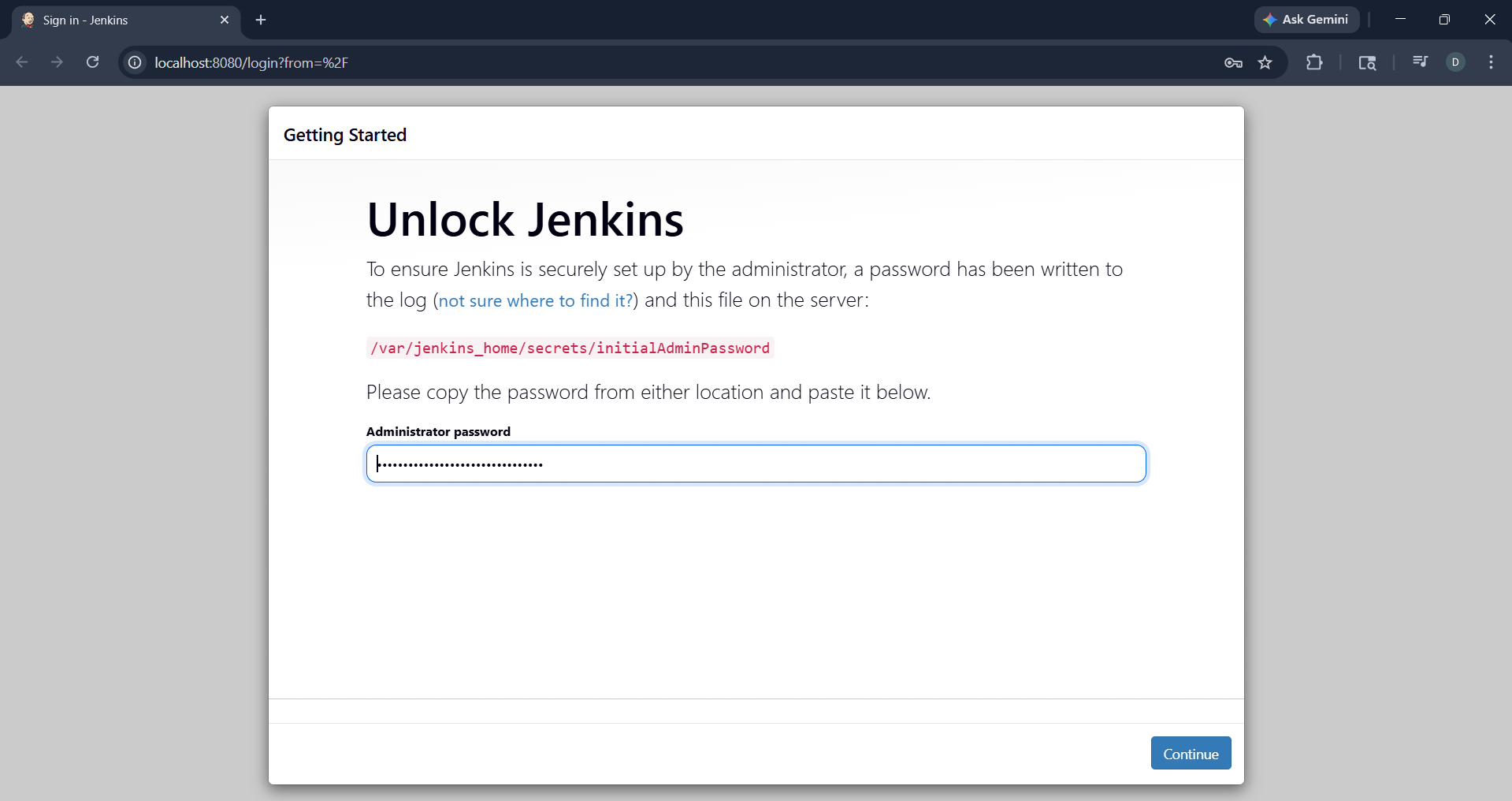
Access Jenkins at http://localhost:8080 and paste the password:
📸 Screenshot – Unlock Jenkins browser page:
Lab 3: Install Plugins and Setup Admin
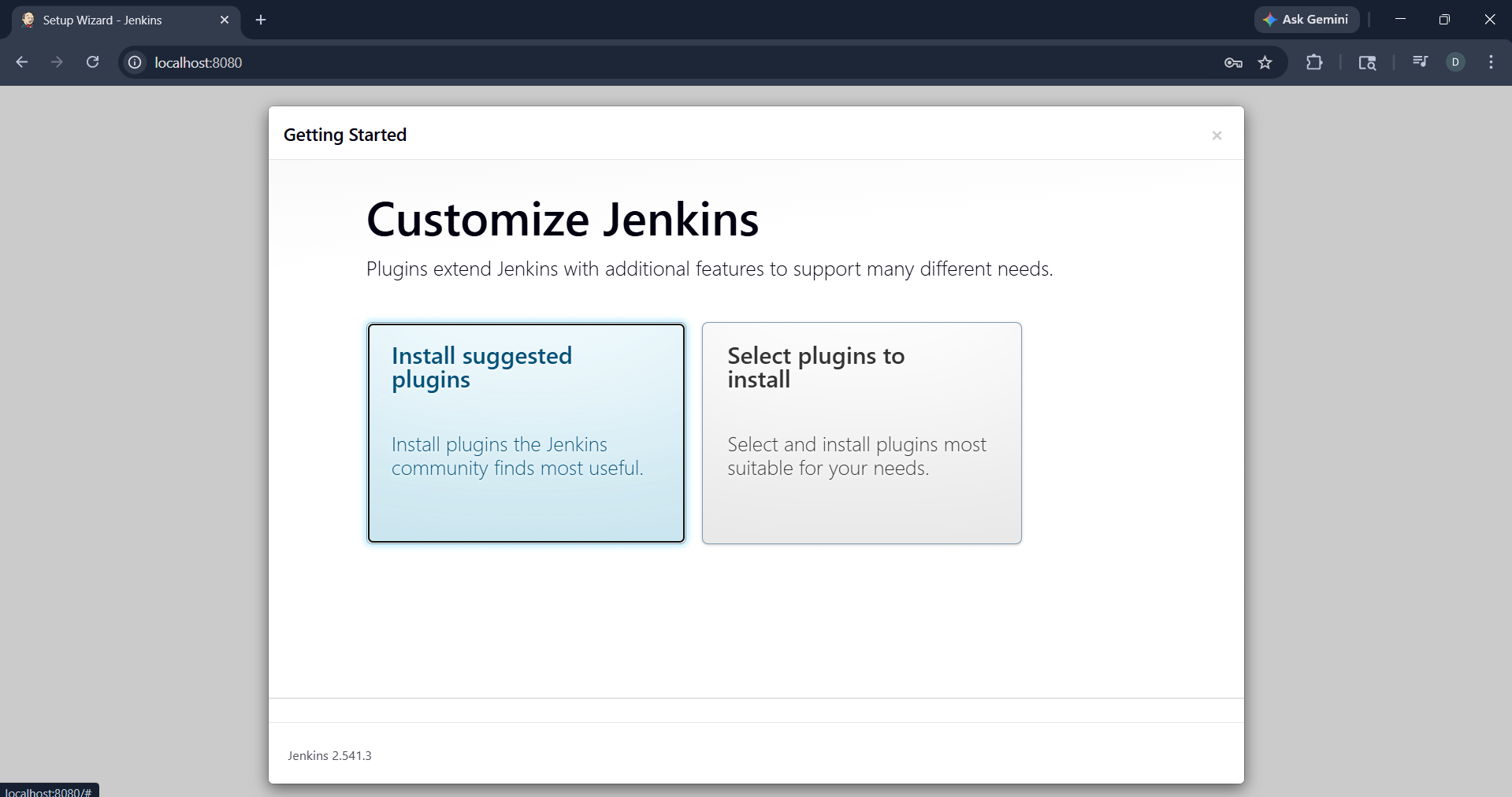
Select Install suggested plugins and create the admin user.
📸 Screenshot – Install suggested plugins page:
Part C: Jenkins Configuration
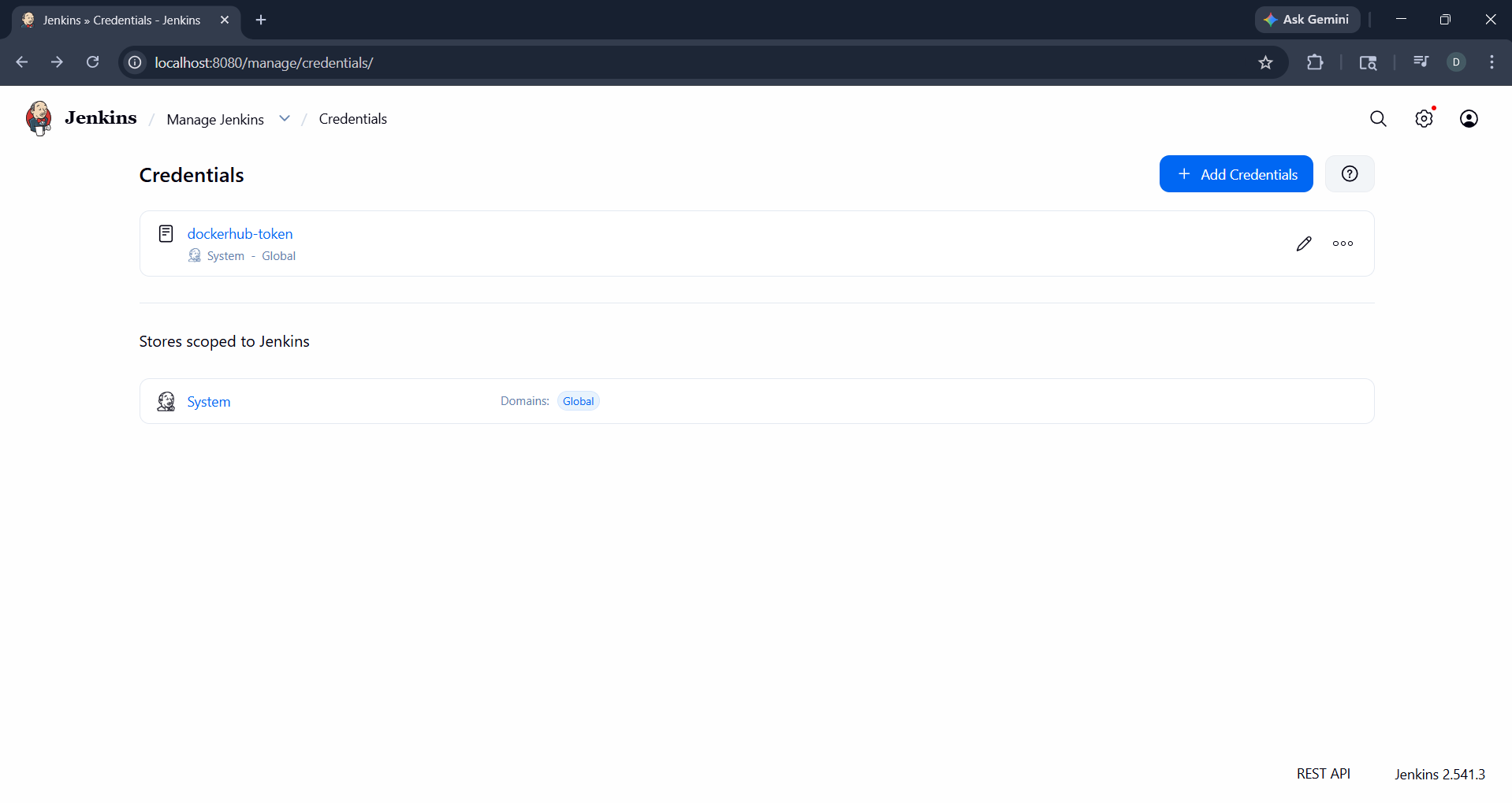
Lab 1: Add Docker Hub Credentials
Path: Manage Jenkins → Credentials → Add Credentials
- Type: Secret Text
- ID:
dockerhub-token - Value: Docker Hub Access Token
📸 Screenshot – dockerhub-token credential added:
Lab 2: Create Pipeline Job
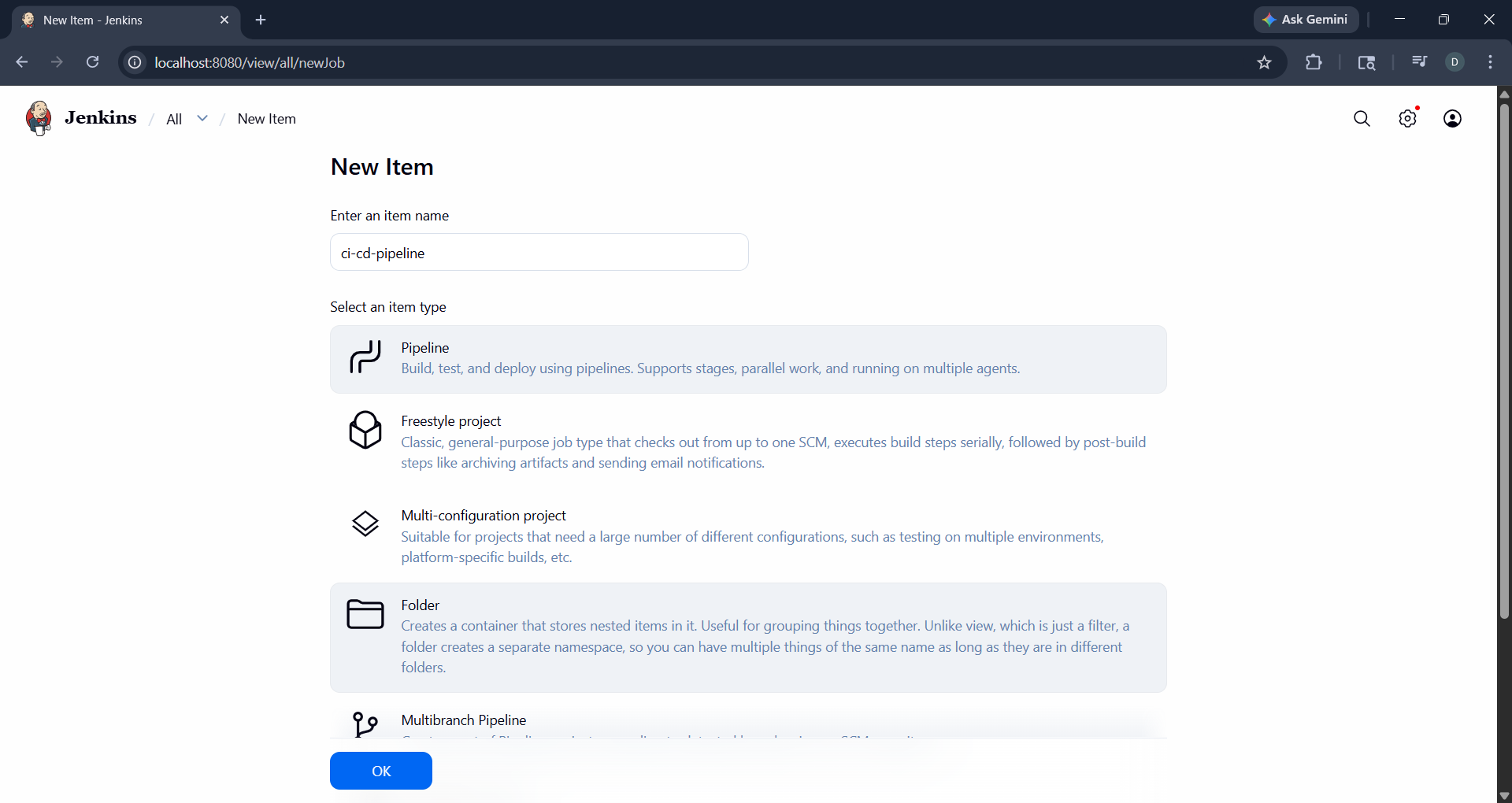
New Item → Pipeline → Name: ci-cd-pipeline
📸 Screenshot – new pipeline job creation:
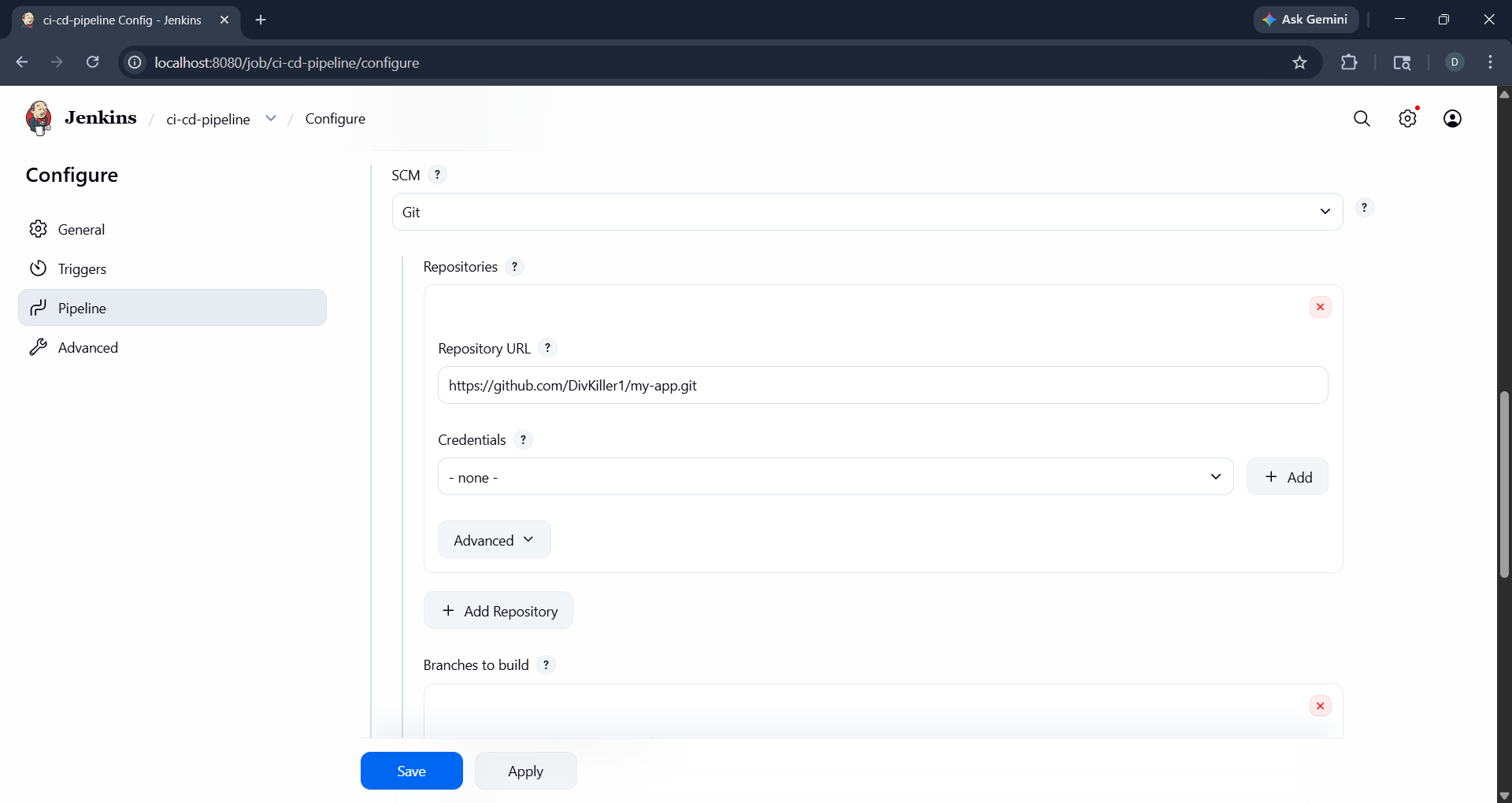
Configure the pipeline:
- Definition: Pipeline script from SCM
- SCM: Git
- Repository URL:
https://github.com/DivKiller1/my-app.git - Script Path:
Jenkinsfile
📸 Screenshot – pipeline SCM configuration:
Part D: GitHub Webhook Integration
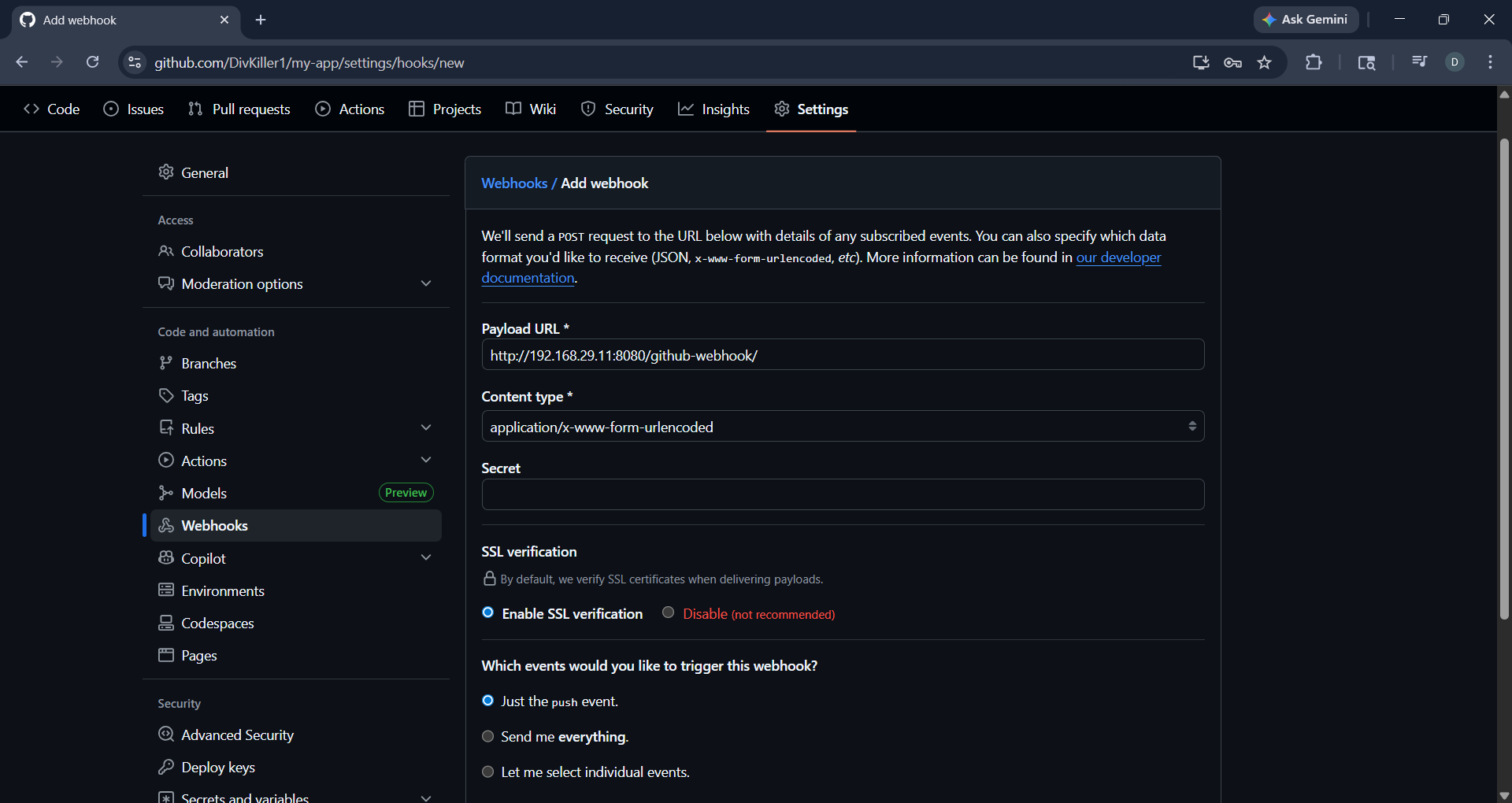
Lab 1: Configure Webhook in GitHub
Path: Repository Settings → Webhooks → Add Webhook
- Payload URL:
http://192.168.29.11:8080/github-webhook/ - Content type:
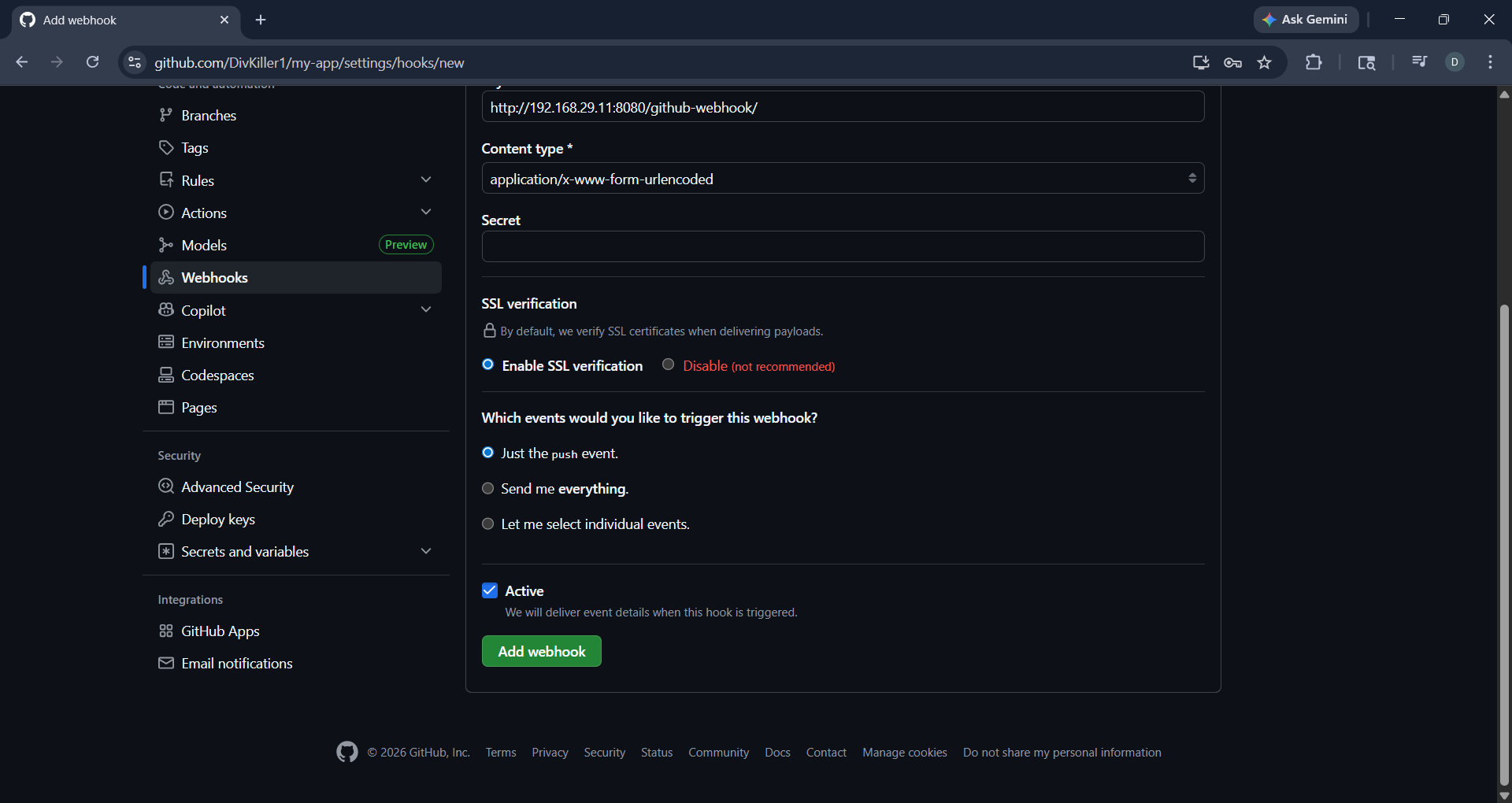
application/x-www-form-urlencoded - Events: Just the push event
📸 Screenshot – webhook payload URL and event configuration:
📸 Screenshot – webhook Active and Add webhook button:
Lab 2: Test Webhook Trigger
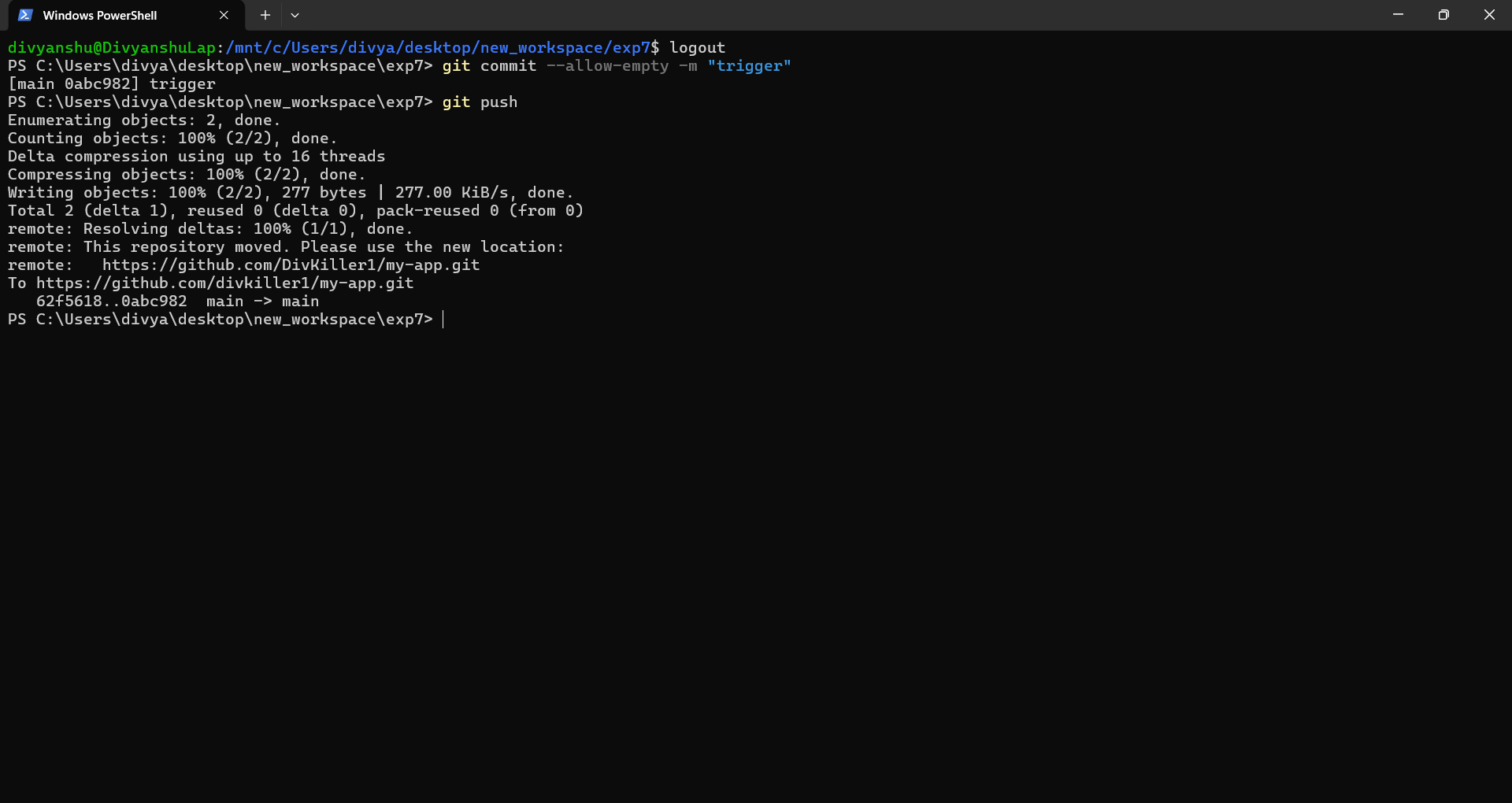
Push an empty commit to verify the webhook triggers a Jenkins build automatically:
git commit --allow-empty -m "trigger"
git push
📸 Screenshot – empty commit pushed to trigger webhook:
Part E: Execution Flow & Verification
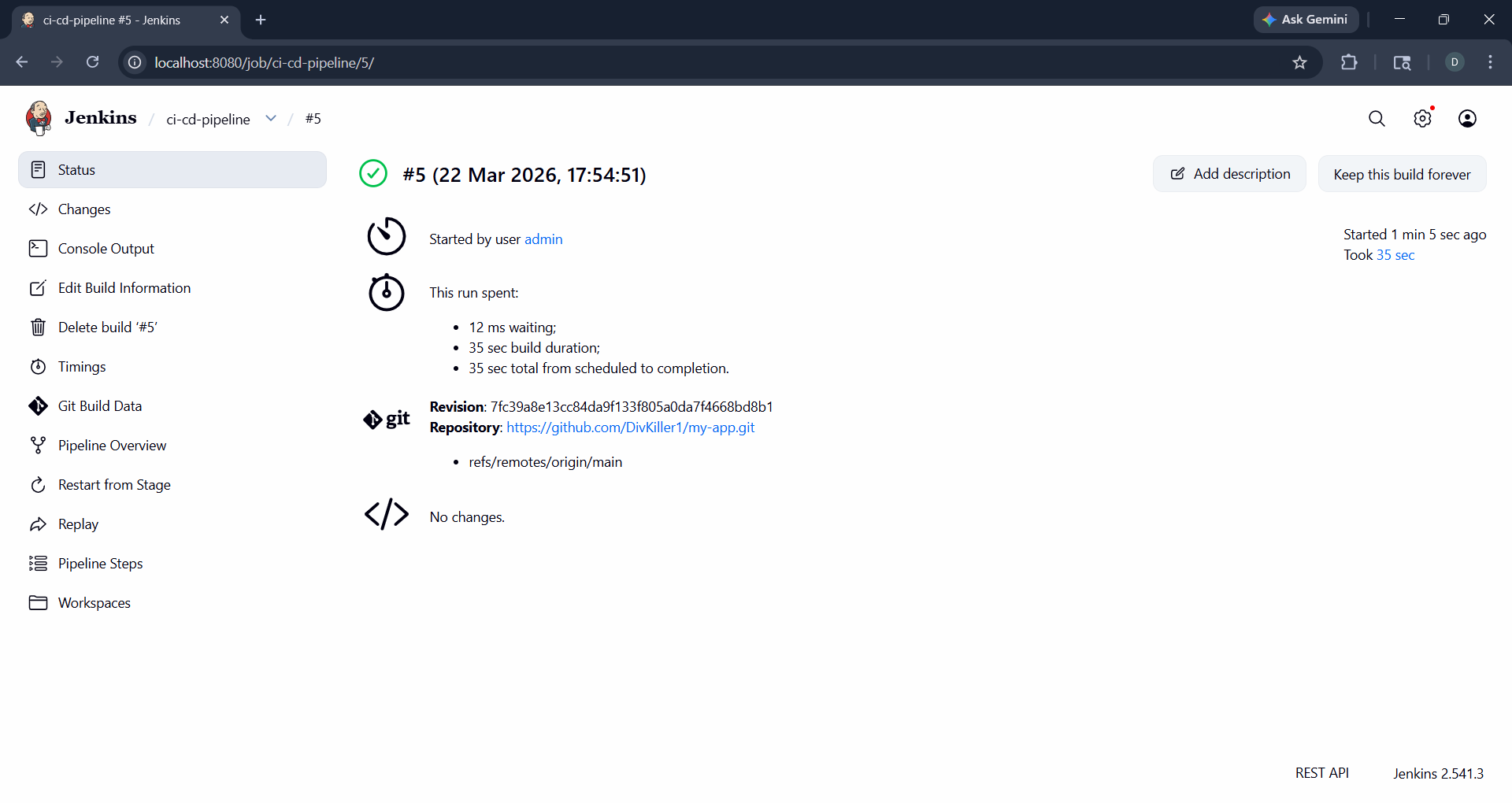
Lab 1: Pipeline Execution
Jenkins receives the webhook event and executes all stages:
- Clone – Pulls latest code from GitHub
- Build – Docker builds image using Dockerfile
- Auth – Jenkins logs into Docker Hub using stored token
- Push – Image pushed to Docker Hub
📸 Screenshot – build #5 successful execution:
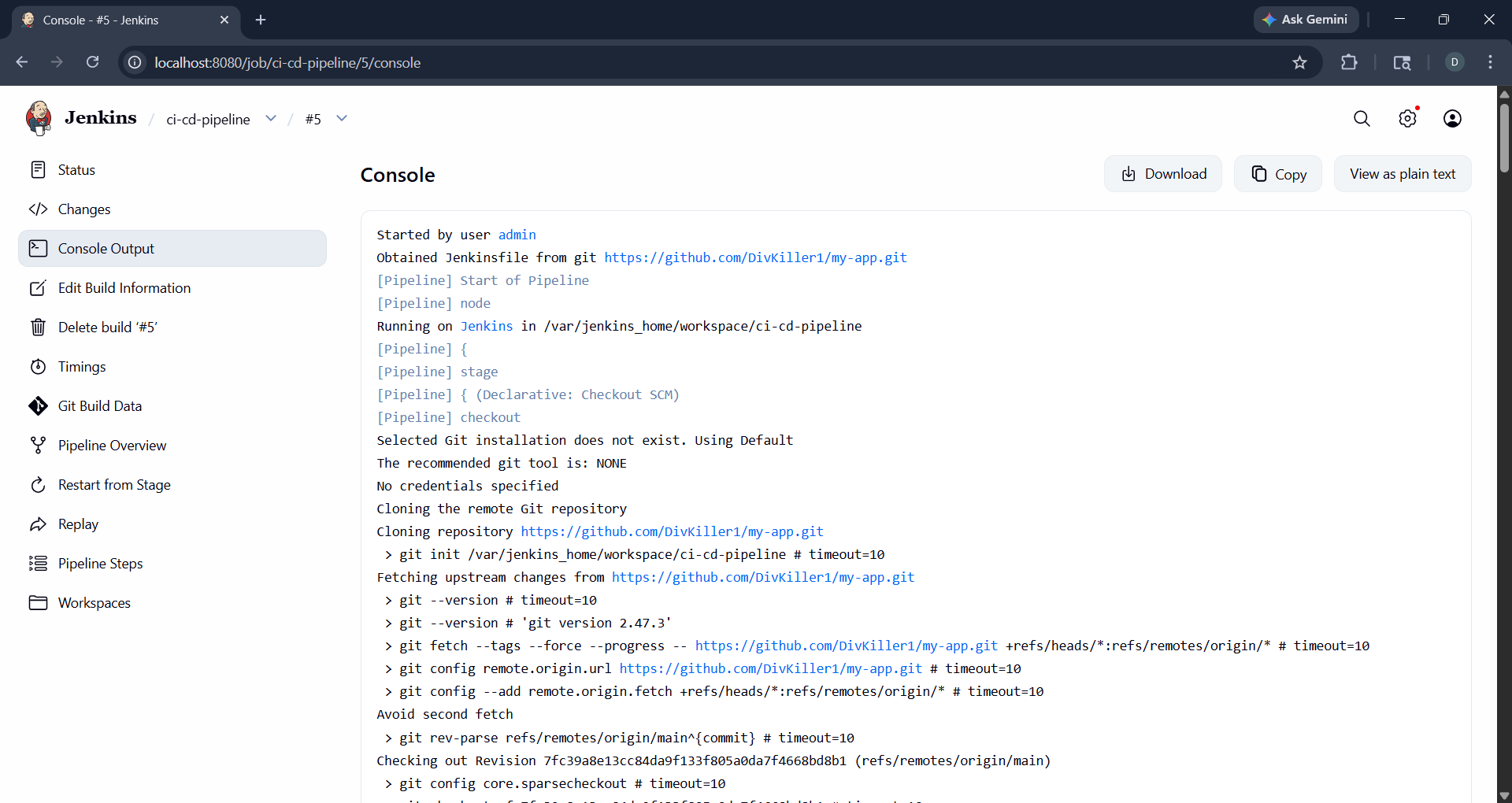
Lab 2: Console Output
📸 Screenshot – Jenkins console output showing pipeline stages:
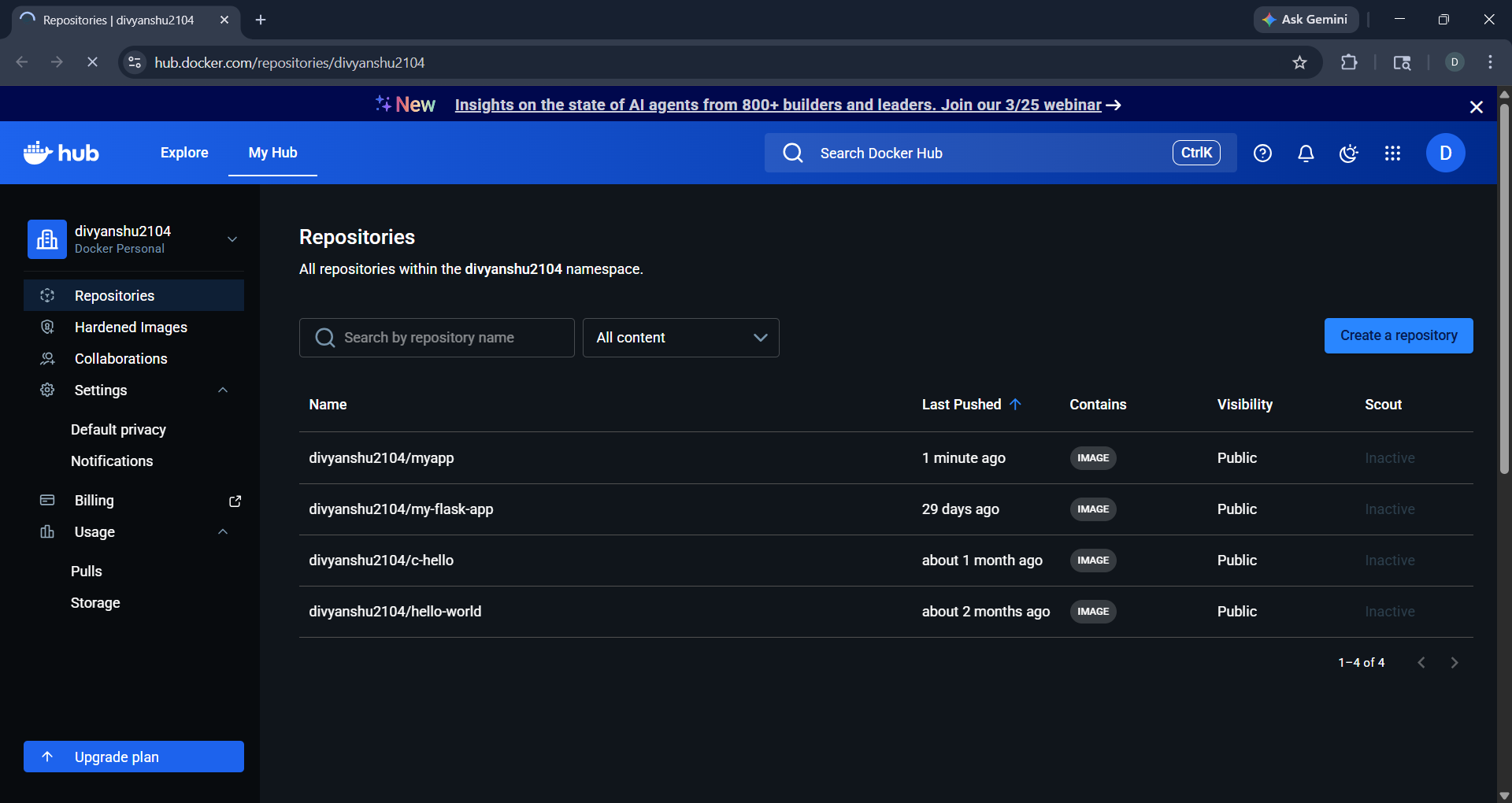
Lab 3: Docker Hub Verification
📸 Screenshot – divyanshu2104/myapp image pushed to Docker Hub:
Understanding Jenkins Pipeline Syntax
Basic Structure
pipeline {
    agent any

    stages {
        stage('Build') {
            steps {
                sh 'echo Hello'
            }
        }
    }
}
Key Terms
| Term | Meaning |
|---|---|
pipeline {} |
Root block — everything is written inside this |
agent any |
Run on any available node (in this case, same Docker host) |
stages {} |
Groups all phases of the pipeline |
stage('Name') |
A single phase — visible in Jenkins GUI as a block |
steps {} |
Contains the actual commands to execute |
Common Steps
// Clone code from GitHub
git 'https://github.com/user/repo.git'

// Run a shell command
sh 'docker build -t myapp .'

// Print to console log
echo "Build started"
The withCredentials Block Explained
withCredentials([string(credentialsId: 'dockerhub-token', variable: 'DOCKER_TOKEN')]) {
    sh 'echo $DOCKER_TOKEN | docker login -u divyanshu2104 --password-stdin'
}
| Part | Meaning |
|---|---|
string |
Type of secret (plain text token) |
credentialsId |
ID used to identify the secret in Jenkins |
variable |
Temporary env variable name injected at runtime |
--password-stdin |
Secure login method (no plaintext password in command) |
The secret exists only inside the block — it is never exposed in logs and disappears after use.
Common Mistakes:
// Wrong: hardcoded password
sh 'docker login -u user -p mypassword'

// Wrong: wrong credential ID
credentialsId: 'wrong-name'

// Wrong: using variable outside the block
echo $DOCKER_TOKEN  // won't work here
Observations
- Jenkins GUI simplifies CI/CD pipeline management
- GitHub acts as both source code host and pipeline definition store
- Docker ensures consistent and reproducible builds
- Webhooks enable fully automatic, event-driven CI/CD
- Docker socket mounting allows Jenkins to control host Docker directly
Result
Successfully implemented a complete CI/CD pipeline where:
- Source code and pipeline definition are maintained in GitHub
- Jenkins automatically detects changes via webhook
- Docker image is built on the host agent
- Image is securely pushed to Docker Hub using stored credentials
Key Takeaways
pipeline → stages → stage → stepsis the core structureshruns shell commands,gitfetches codewithCredentialssecurely injects secrets at runtime- Secrets are temporary — they are never stored in logs
- Jenkins is GUI-based but pipeline logic is fully code-driven
- Webhook makes CI/CD fully automatic on every push
- Always use the Jenkins credentials store — never hardcode secrets